Once you have launched the app you will be prompted to log in. You will have two options available to you.
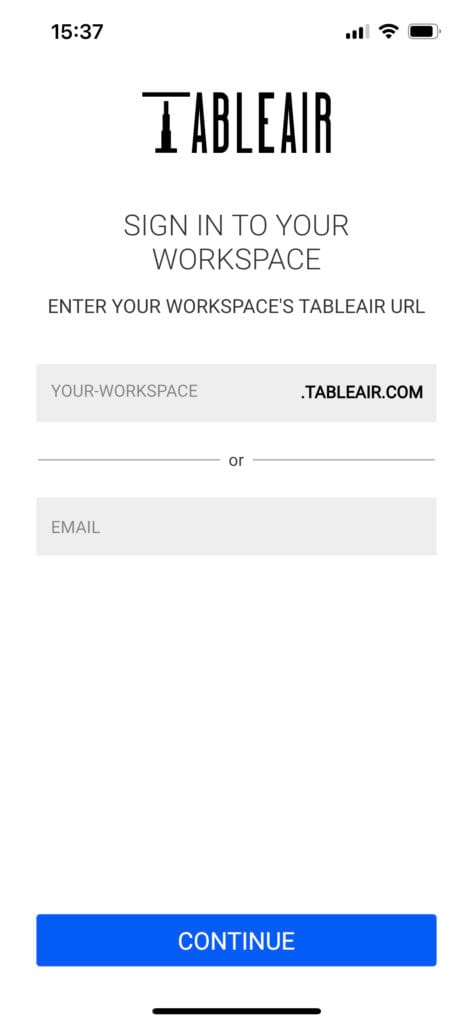
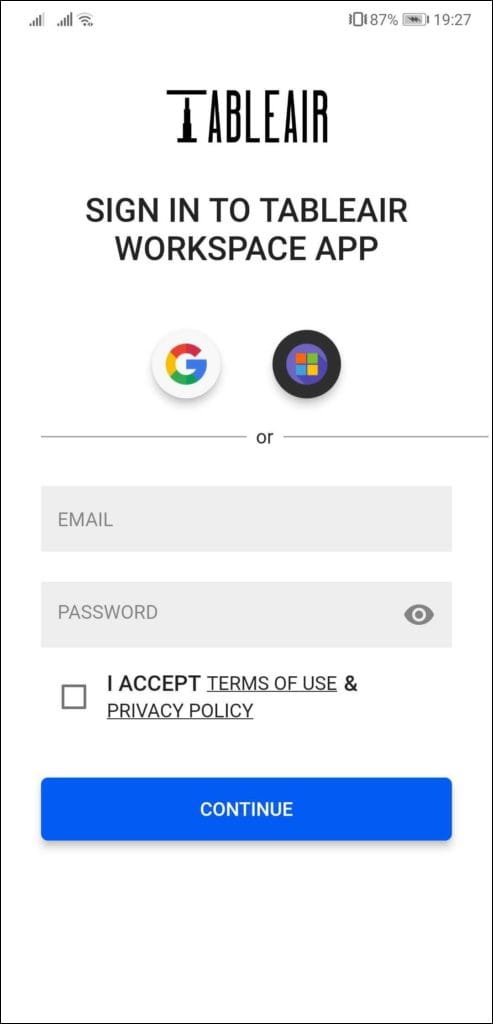
You can enter your team’s URL, if you know it, e.g. mycompany. Once you click continue, you will be taken to your team’s login screen.
Note that the options available to you may differ based on what your account administrator has set up. Additionally, make sure to agree to our Privacy Policy.
If you do not know your team’s URL, enter your email address instead. After clicking Continue, you will automatically be directed to the appropriate login screen.
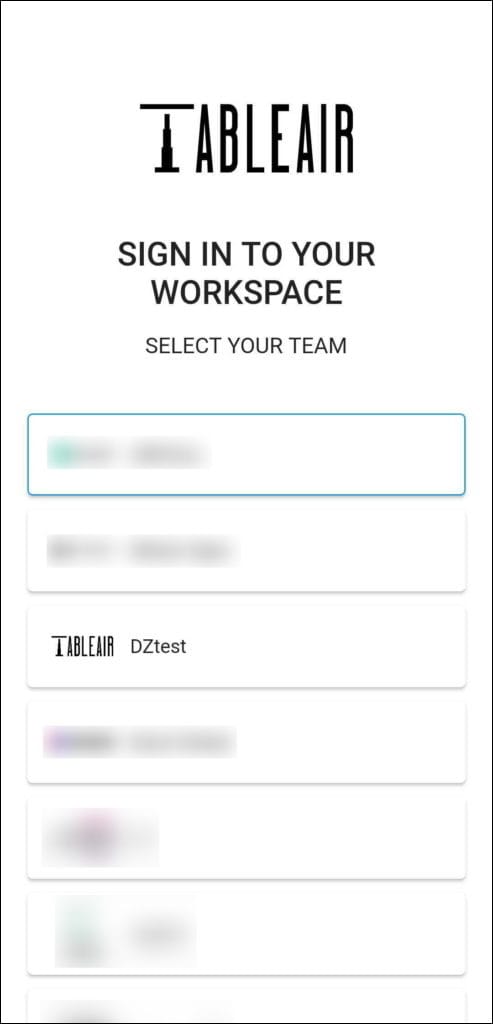
If you belong to more than one team, you will see a list of available teams. Select the team you want to sign in to, and you will be taken to its login page.